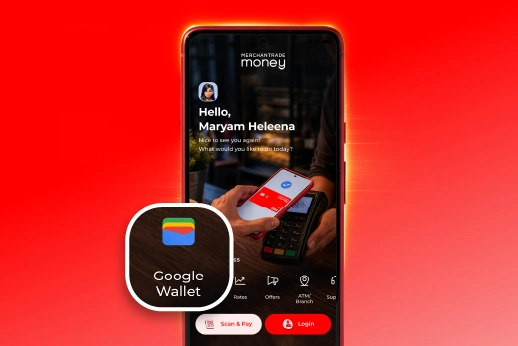
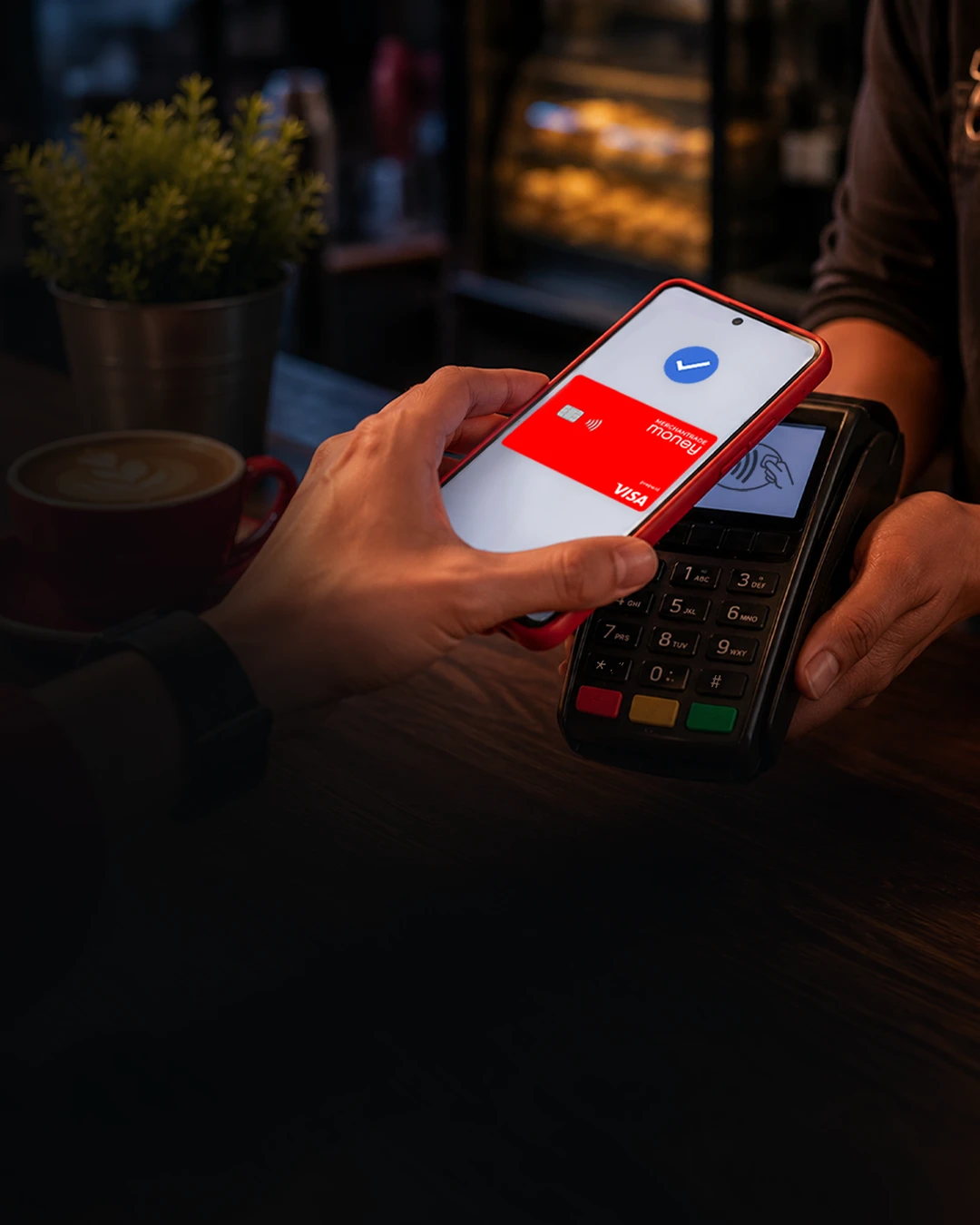
A faster & simpler way to pay, tap phone jer

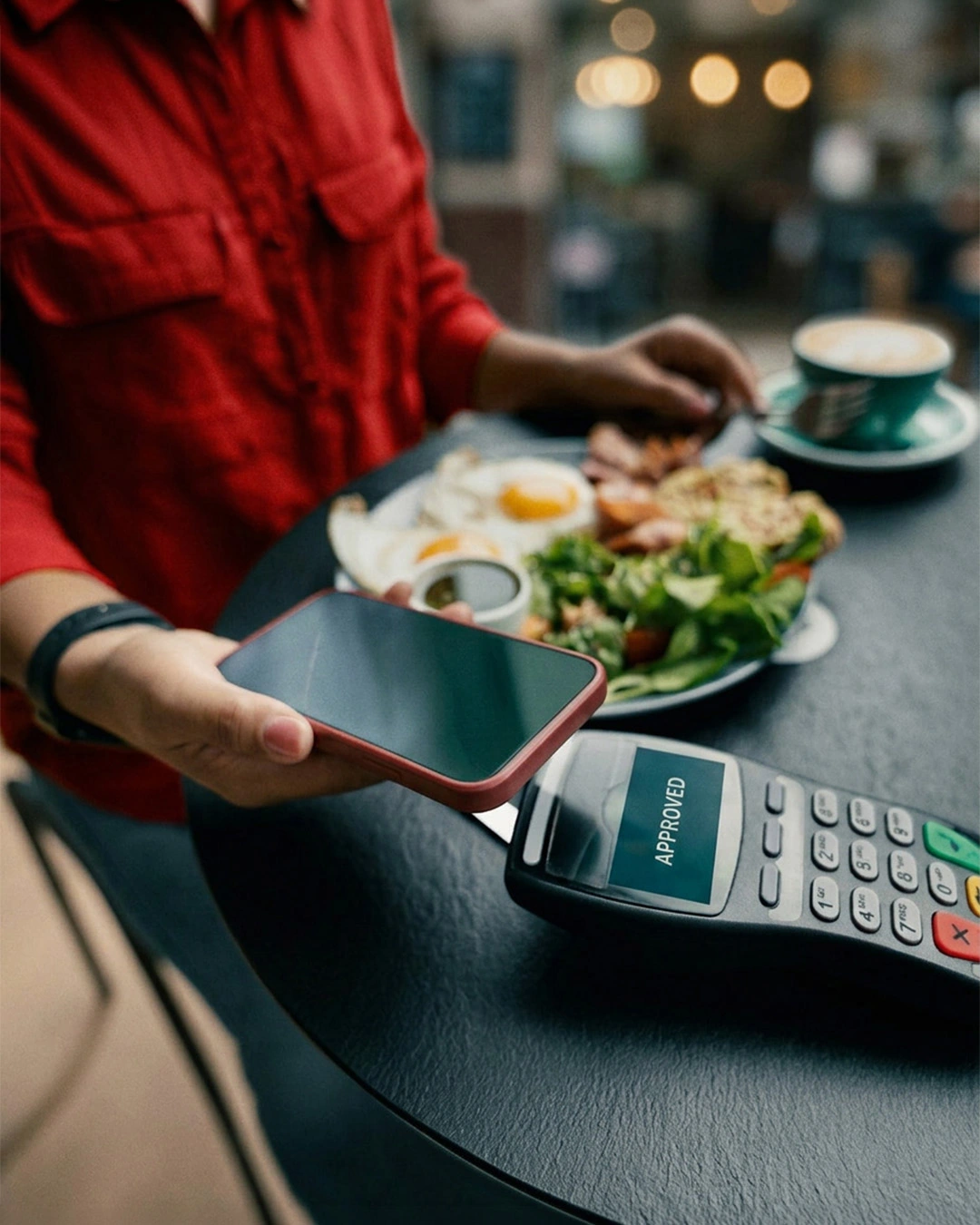
Make faster, secure contactless payments using just your phone, smartwatch, tablet or compatible device, anywhere in the world.

All You Need Is Your Phone

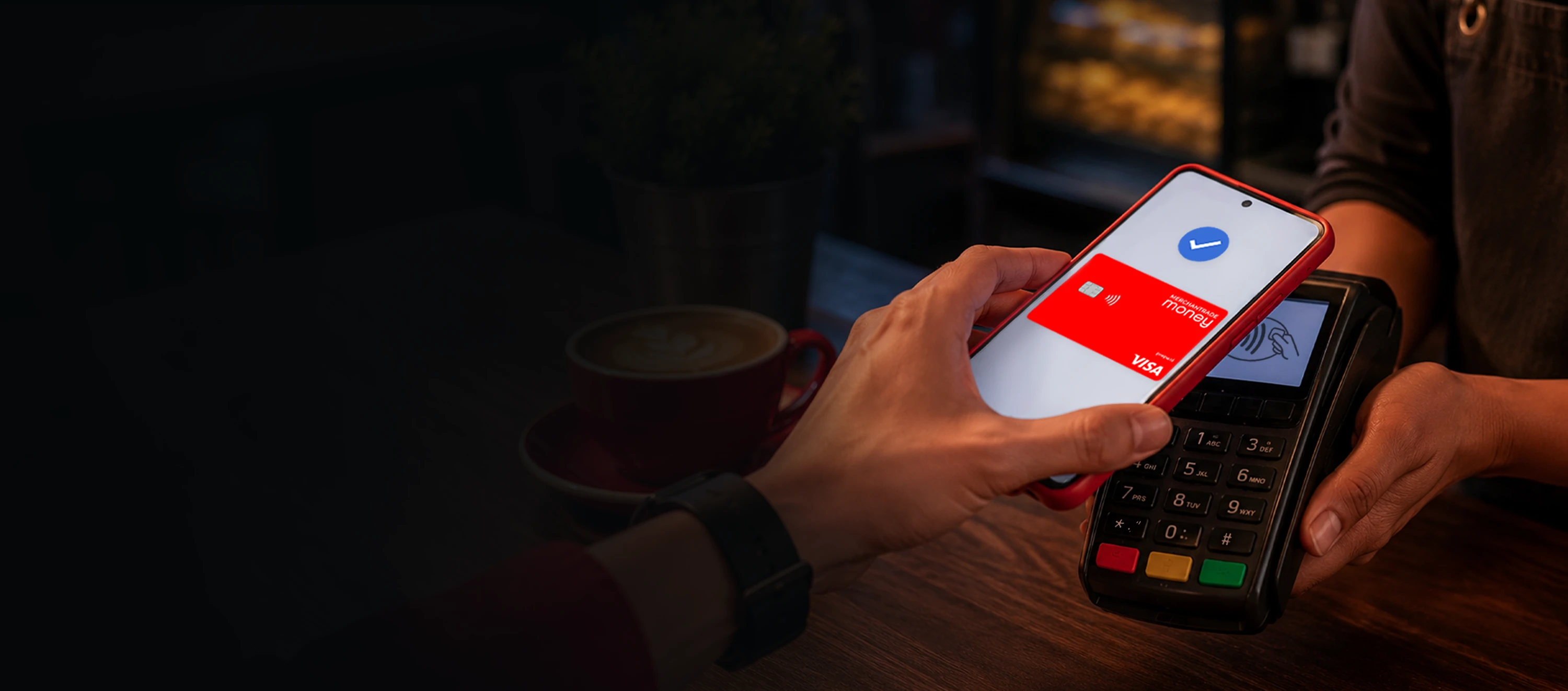
No more switching different apps or scanning QR codes every time you pay. Simply unlock your device and tap to pay in seconds. Whether you're buying groceries, paying for lunch, getting coffee, shopping online or travelling overseas, your Merchantrade Money card is always within reach.

The Traveller's Choice

You can even tap your phone overseas in 20+ currencies with no conversion or hidden charges.

Easy Everyday Payments

Faster Payments
Faster Payments

Tap & pay in seconds even without mobile data.

No Physical Card Or QR Scanning

Just tap your device on the terminal to pay.

Secure Payments
Secure Payments

Every payment is verified through your device before any transaction.

Travel-Friendly
Travel-Friendly

Tap your phone overseas just like a local with no hidden charges.

No Hidden Fees
No Hidden Fees

Free to use.

Faster Online Checkout

Pay online and in apps without entering your card details each time.

Use It Anywhere

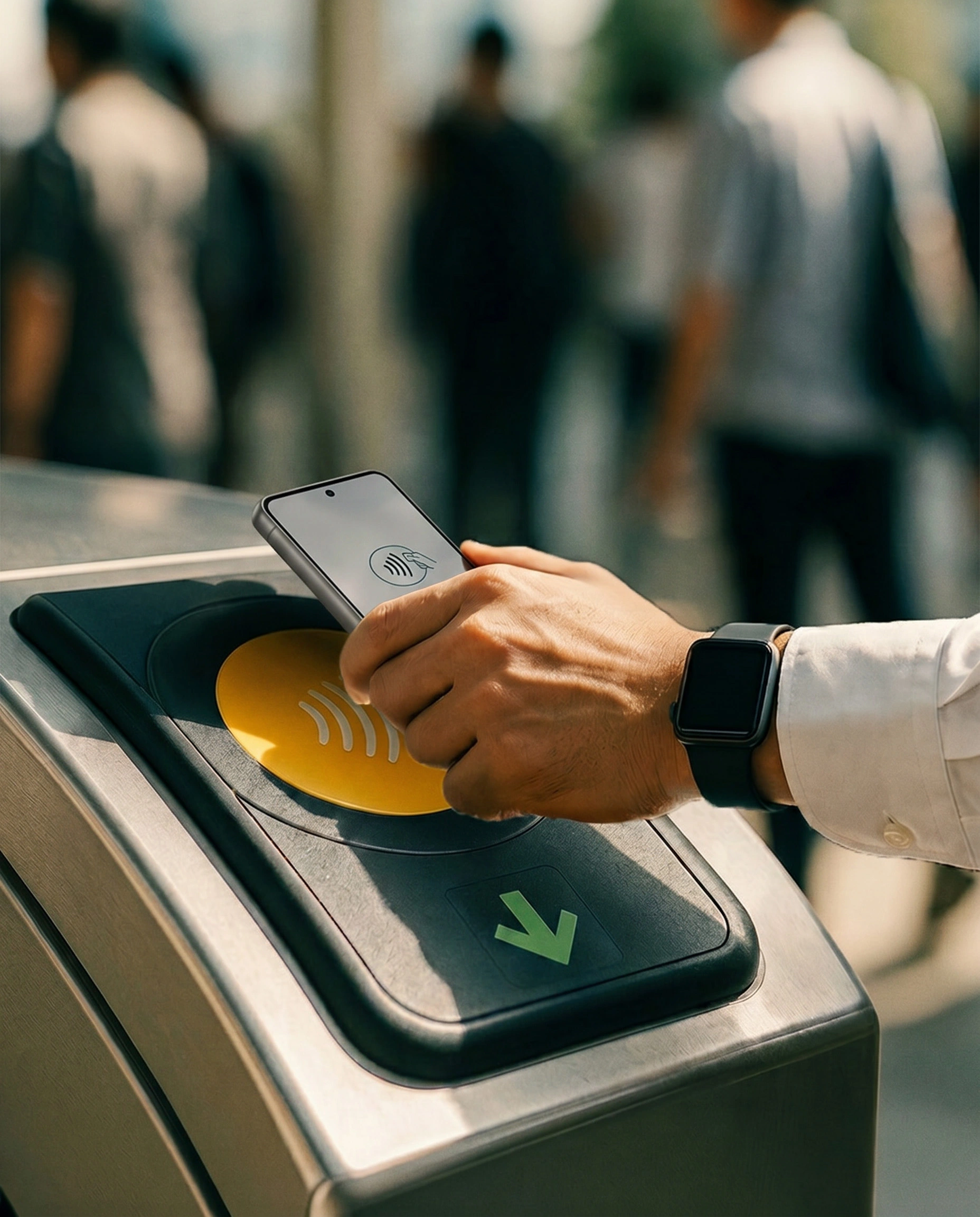
Whether you're shopping in-stores, paying for food, shopping online or travelling overseas, paying is simple with just a tap at millions of contactless payment terminals.
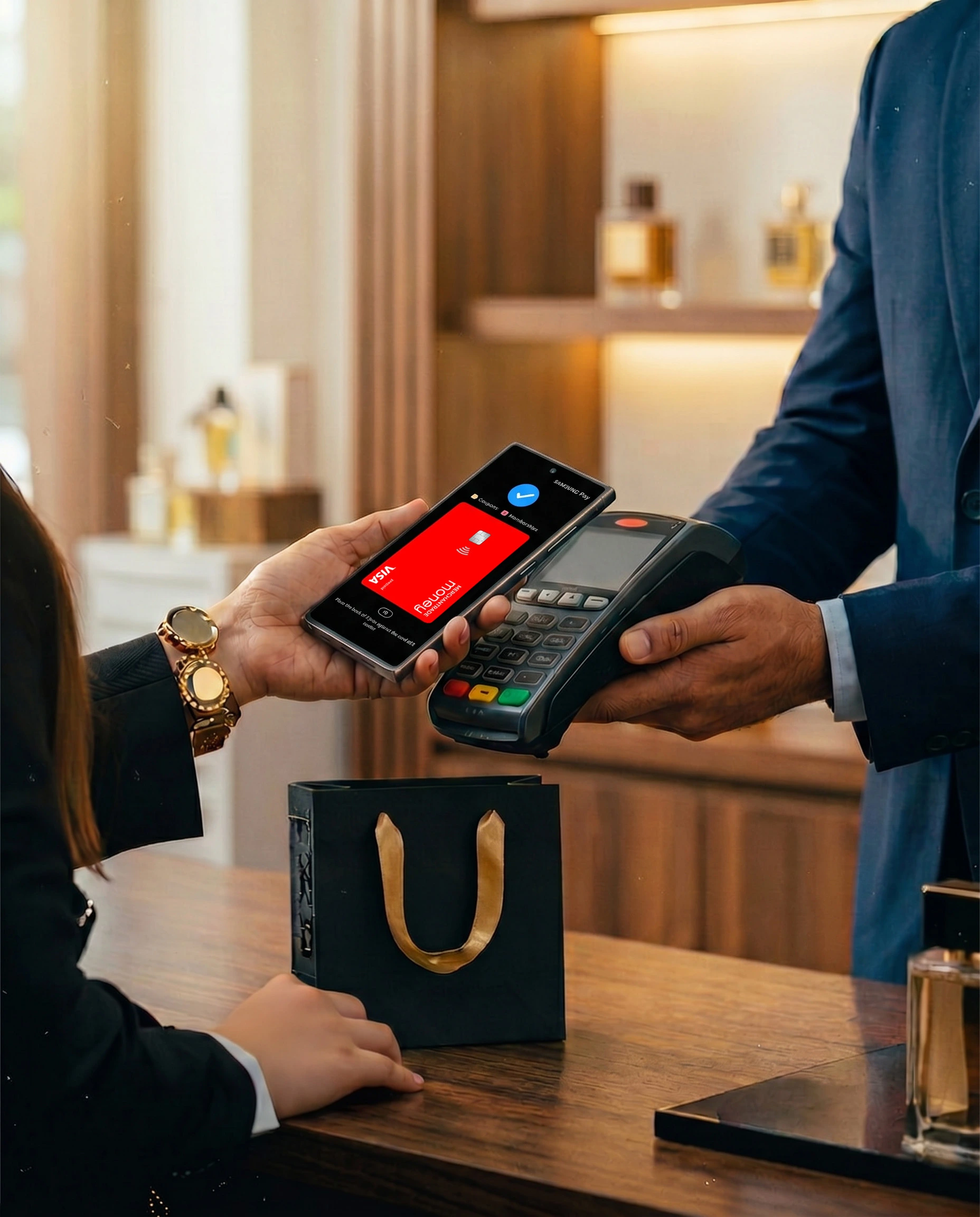
Shopping
Shopping

Travel & Transport

Travel & Transport

Food & Dining

Food & Dining

Online Shopping

Online Shopping

Pay From Any Device Or Platform

Phone
On your smartphone

Add the card and pay using your smartphone.

Watch
On your smartwatch

Quick payments straight from your wrist.

Tablet
eCommerce

Easy checkout for supported online payments.

Compatible Devices

Works with selected Android & Samsung devices with NFC capability.

Samsung |

Pay Locally. Pay Overseas

In stores, online or in apps. Simply look for these symbols at checkout.
How To Pay

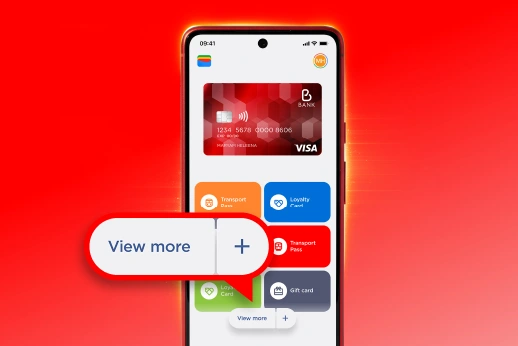
Pay faster and safer with Google Wallet or Samsung Wallet.
Google Wallet
  • 01

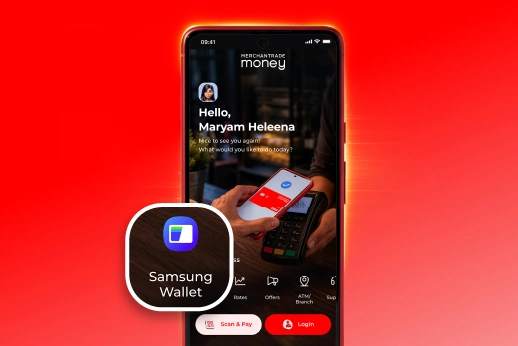
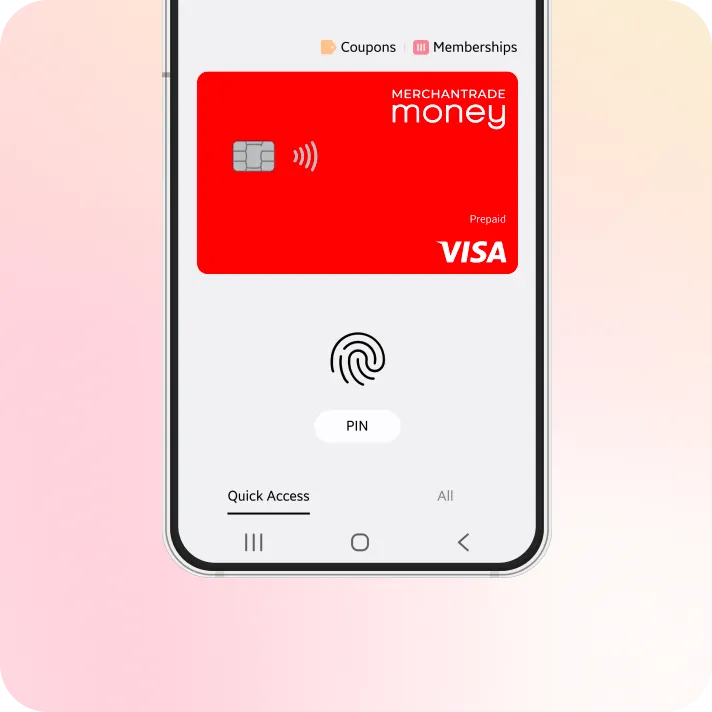
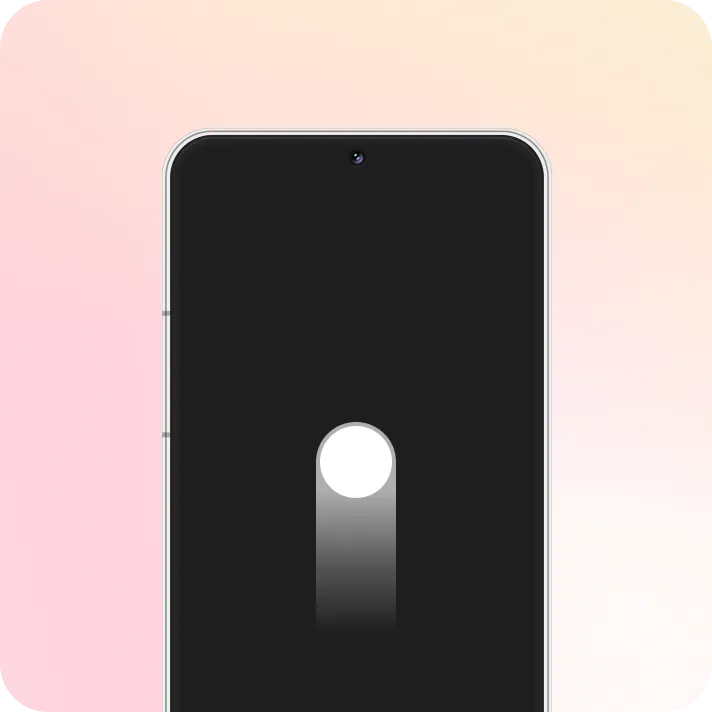
Swipe up to launch Samsung Wallet

Google Wallet
  • 02

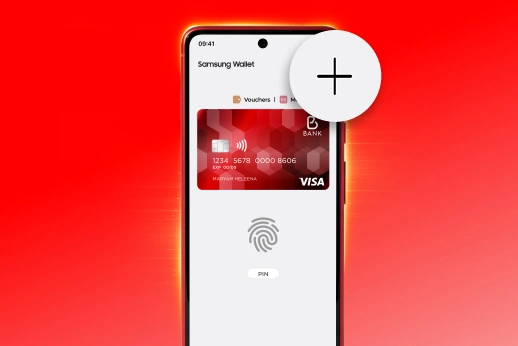
Verify with your fingerprint

Google Wallet
  • 03

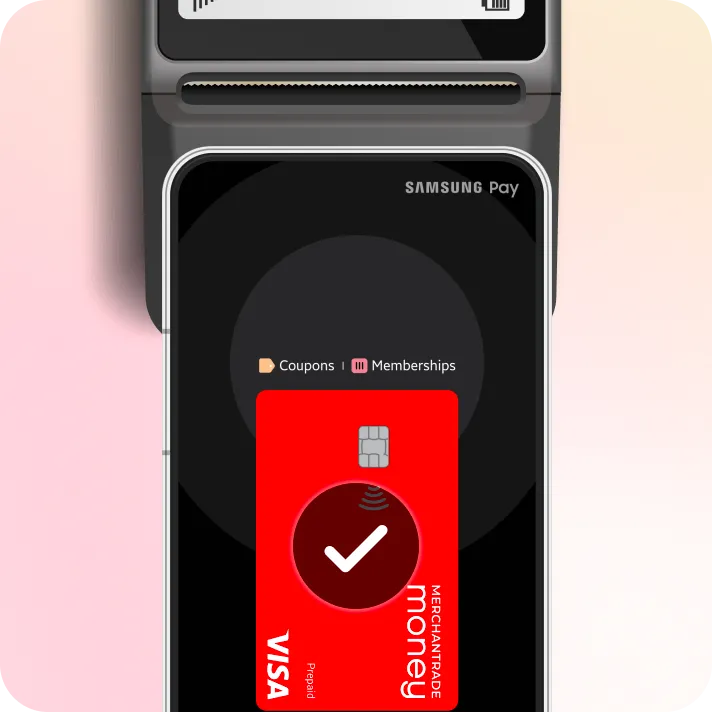
Tap your device on the terminal

Google Wallet
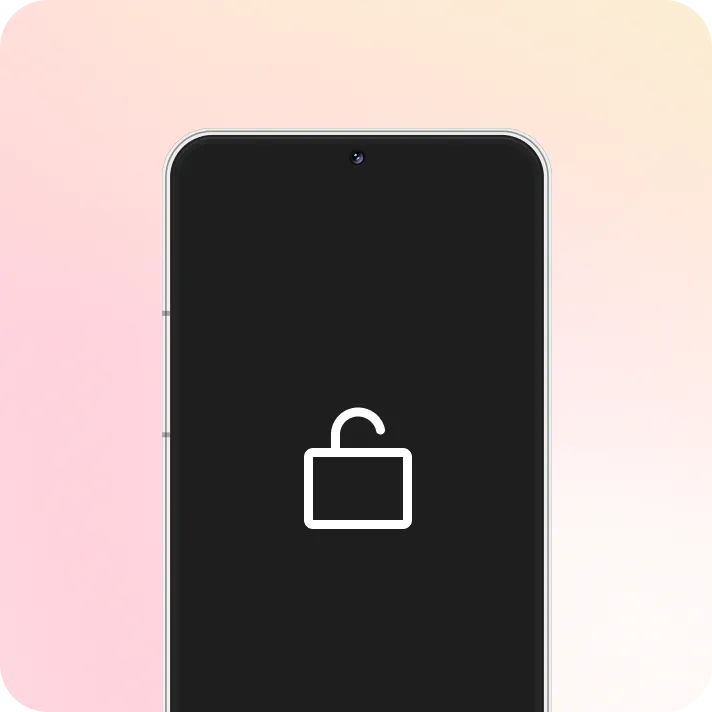
  • 01

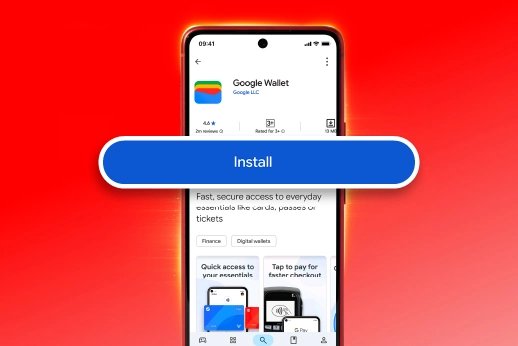
Unlock phone to launch Google Wallet

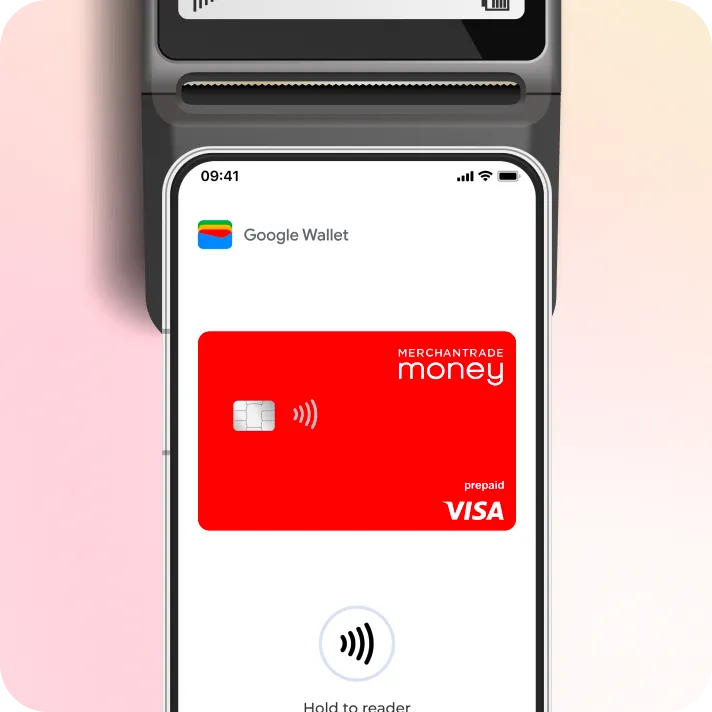
Google Wallet
  • 02

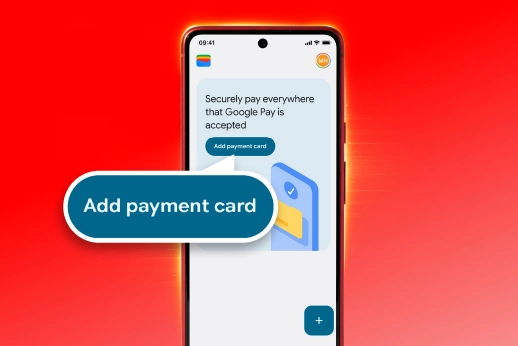
Tap your device on the terminal

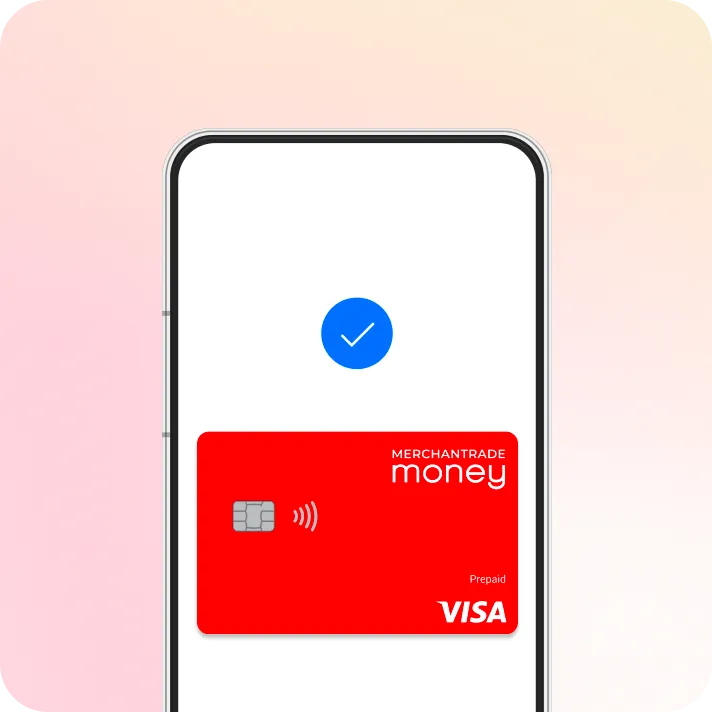
Google Wallet
  • 03

The blue check mark will appear once done

Frequently Asked Questions

Choose your wallet type to view the right questions.

Need any help? Don’t hesitate to reach us.

Talk To Us

About Samsung Pay

What is Samsung Pay?

It is a feature within the Samsung Wallet app that lets you link your Merchantrade Money cards to your phone or smartwatch. Instead of paying with your card, you can just tap your device on the terminal to pay for things.

What is the difference between Samsung Pay and Samsung Wallet?
Who can use Samsung Pay?
Is Samsung Pay secure?
Where can I use Samsung Pay?

Getting Started & Setup

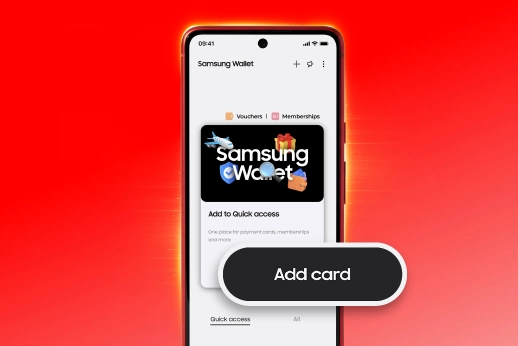
How do I add my Merchantrade Money card to Samsung Wallet?
How long does card activation take?
Can I add my Limited Edition FIFA World Cup 2026™ Card to Samsung Wallet?
Can I add the same card to more than one device?
Can I add my Merchantrade Money card to Samsung Wallet if I already use Google Wallet?
Which devices support Samsung Pay?
Can I use Samsung Pay on a Samsung Galaxy watch?
How do I set Merchantrade Money as my default card?
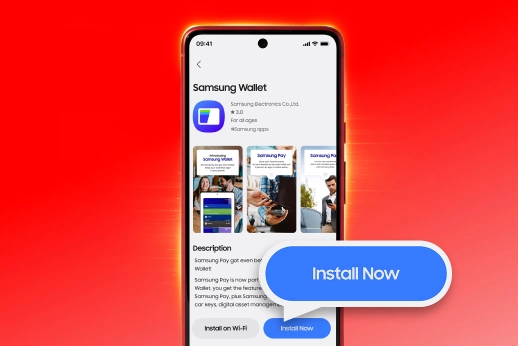
Do I need to download Samsung Wallet?
Why is my card not activating or failing during setup?
Why didn't I receive my SMS OTP during setup?
Can I add my card if I am currently outside of Malaysia?
What if I change to a new Samsung device?
What happens if I Factory Reset my device?

Using Samsung Pay

Are there any charges to add my Merchantrade Money card to Samsung Wallet?
Are there any charges when I use Samsung Pay?
How do I make a payment in-store?
How do I make a payment online?
Can I choose which card to pay with?
Do I need an internet connection when using Samsung Pay at a shop?
What are the transaction limits, and do I need to enter my card PIN?
Can I use Samsung Pay overseas while traveling?
Will I still get notifications for my spending?
How many transactions can I see in my wallet?
Will these transactions appear on my monthly e-Statement?
Can I withdraw cash at an ATM using Samsung Pay?
Why was my transaction declined?
Should I still carry my physical card?

Security, Management & Troubleshooting

I received a replacement card. Do I need to update my Samsung Wallet?
Can I use Samsung Pay if my physical card is blocked?
What happens if I lose my phone or Samsung Galaxy Watch?
How do I remove my card from Samsung Wallet?
Can I use Samsung Wallet on a modified or "rooted" phone?
Important Note

About Google Pay

What is Google Pay?

It is a secure way to pay using your Android phone or smartwatch. It turns your physical Merchantrade Money card into a digital card so you can tap and pay at shops or checkout online quickly on websites and apps.

What is the difference between Google Pay and Google Wallet?
Who can use Google Pay?
Is Google Pay secure?
Where can I use Google Pay?

Getting Started & Setup

How do I add my Merchantrade Money card to Google Wallet?
How long does card activation take?
Can I add my Limited Edition FIFA World Cup 2026™ Card to Google Wallet?
Can I add the same card to more than one device?
Can I add my Merchantrade Money card to Google Wallet if I already use Samsung Wallet?
Which devices support Google Pay?
Can I use it on a smartwatch?
How do I set Merchantrade Money as my default card?
Do I need to download Google Wallet?
Why is my card not activating or failing during setup?
Why didn't I receive my SMS OTP during setup?
Can I add my card if I am currently outside of Malaysia?
What if I change to a new Android device?
What happens if I Factory Reset my device?

Using Google Pay

Are there any charges to add my Merchantrade Money card to Google Wallet?
Are there any charges when I use Google Pay?
How do I make a payment in-store?
How do I make a payment online or inside apps?
Can I choose which card to pay with?
Do I need an active internet connection when using Google Pay at a shop?
What are the transaction limits, and do I need to enter my card PIN?
Can I use Google Pay overseas while traveling?
Will I get notifications for my spending?
How many transactions can I see inside my wallet?
Will these transactions appear on my monthly e-Statement?
Can I withdraw cash at an ATM using Google Pay?
Why was my transaction declined?
Should I still carry my physical Merchantrade Money card?

Security, Management & Troubleshooting

I received a replacement card. Do I need to update my Google Wallet?
Can I use Google Pay if my physical card is blocked?
What happens if my phone or smartwatch is lost or stolen?
How do I remove my card from Google Wallet?
Important Note
How do I add my card to Apple Wallet?

Open Apple Wallet, tap the “+” button, choose debit or credit card, then follow the steps to add and verify your card.

Can I pay with Apple Watch?
Do I need Face ID or Touch ID?

One Card.
Anywhere in the World

Shop, travel and pay with your Merchantrade Money card, even when it's stored on your phone.

Get Merchantrade Money